
Payment & Security
HomeForge Checkout
Payment &
Security
Clear payment information matters when you are ordering tools, hardware and repair supplies. HomeForge keeps the checkout process straightforward so you can review your order, choose from the payment options presented at checkout and complete your purchase with confidence.
Check the order
Confirm the products, quantities, shipping information and total before completing checkout.
Use checkout options
The payment methods currently available for your order are shown directly during checkout.
Keep order details
Retain your order information so our support team can identify the purchase if you need assistance later.
From Workshop To Checkout
Practical tools. Clear purchasing steps.
Whether you are replacing a worn hand tool, preparing for a drilling job, organizing fasteners or restocking everyday repair essentials, the final checkout should be as clear as the work itself.
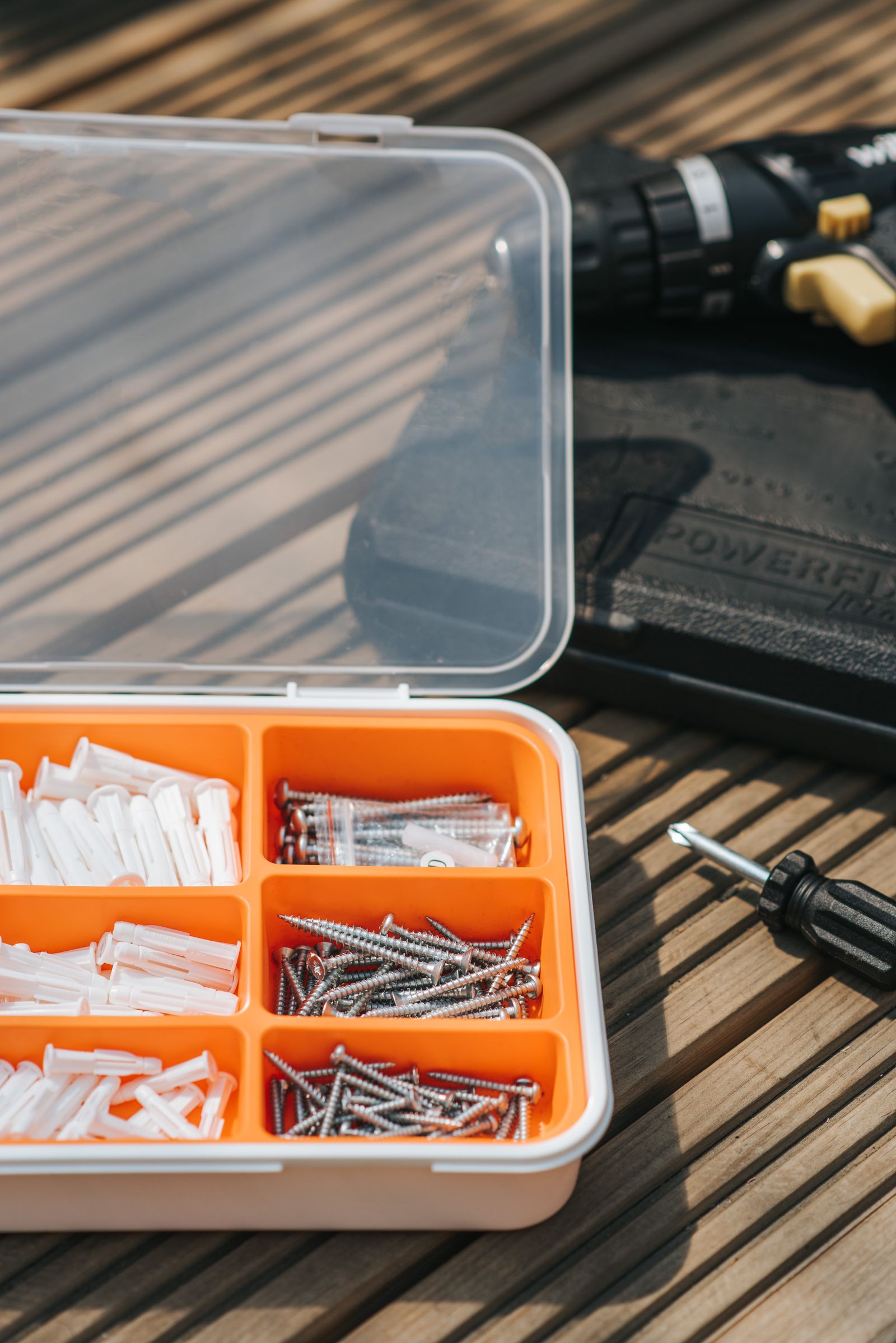
Review what you need
Confirm the exact tool, hardware or accessory needed for the repair before moving to checkout.
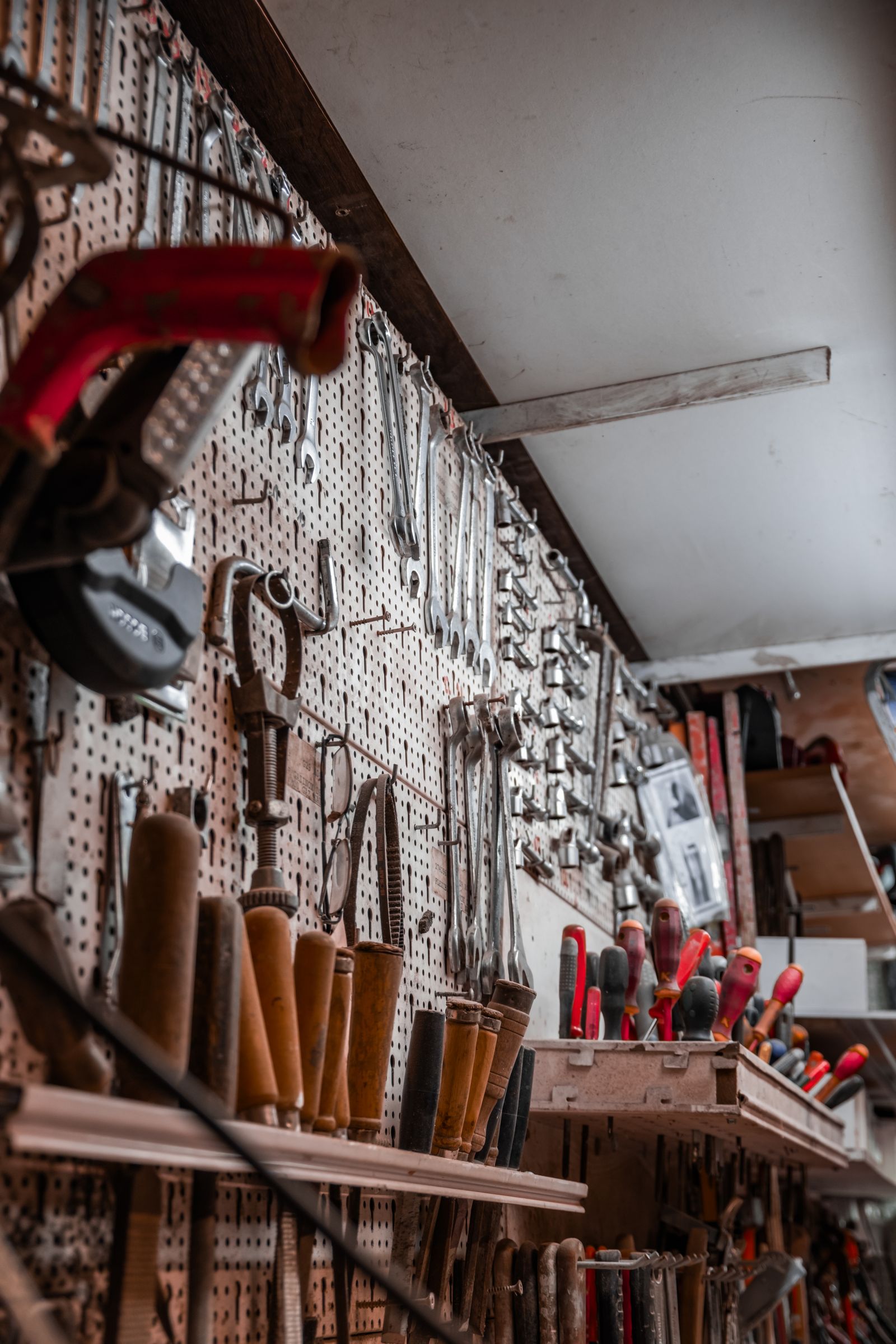
Choose carefully
Compare the item details and make sure the selected tool or hardware matches the work you plan to complete.

Order for real repair work
HomeForge products are selected for practical drilling, fastening, measuring, cutting and everyday maintenance tasks.

Keep the order record
Save your order confirmation and related details so support can quickly identify your purchase if assistance is needed.
Payment Process
What happens at checkout.
Payment options can vary depending on the checkout configuration, order and customer location. Use the methods displayed directly in checkout rather than relying on payment instructions sent through an unrelated message.
Available payment methods
Use the payment methods shown at checkout. The exact options presented there are the current options available for the order.
Check your information
Review your name, billing information, shipping address and order total before confirming payment. Incorrect information can cause delays or declined attempts.
If payment is declined
Recheck the entered details and follow any message shown during checkout. Your payment provider or financial institution may also be able to explain why a payment attempt was not approved.
Protect Your Information
Keep sensitive payment details inside checkout.
HomeForge support may need an order number, contact information or a description of an order issue. Sensitive card information should not be sent through ordinary support messages.
Do not send full card numbers through email or the contact page.
Do not send card security codes through messages or screenshots.
Check the order total carefully before confirming payment.
Contact support if you receive payment instructions that do not match the checkout experience.
Order confirmation
Keep the confirmation details associated with your purchase. They help HomeForge locate the order when you contact support.
Billing details
Enter billing information accurately and follow any instructions provided directly by the payment service during checkout.
Unexpected request
If you receive an unusual request for payment information outside the checkout process, do not provide sensitive details. Contact HomeForge first.
Payment status
A pending or unsuccessful payment may require additional time or action from the payment provider. Avoid repeating payment attempts unnecessarily if the status is unclear.
Refund questions
If a refund has been approved, the time for funds to appear can depend on the payment provider or financial institution handling the transaction.
Payment Awareness
Stop and verify anything that looks unusual.
Payment information should stay within the normal checkout flow. If a message asks you to move payment elsewhere, provide sensitive card information directly to a person, or follow payment instructions that do not match the store checkout, contact HomeForge before continuing.
Frequently Asked Questions
Payment questions, answered clearly.
The checkout itself is the best place to confirm the payment options currently available for your order. These answers cover common payment and security questions.
Which payment methods can I use?
The payment methods currently available for your purchase are shown during checkout. Because availability can vary, use the options displayed there as the current source of payment information.
Should I send my card information to HomeForge support?
No. Do not send full card numbers, card security codes or other sensitive payment credentials through email, ordinary messages or the contact form. Payment details should be entered through the checkout process.
What should I do if my payment is declined?
Check the payment information you entered and follow any message displayed during checkout. Your card issuer or payment provider may also be able to explain why the payment was not approved.
Why does my payment appear to be pending?
Payment status can depend on the payment provider or financial institution. If the status remains unclear, keep your order details available and contact HomeForge for order-related assistance.
Can HomeForge change the payment method after checkout?
Payment handling depends on the transaction and the payment method used. Contact support with your order details if you have a question about an existing purchase. Do not include sensitive card information in the message.
What should I do if I receive an unusual payment request?
Do not provide sensitive payment information or follow instructions that appear inconsistent with the normal checkout process. Contact HomeForge support first so the situation can be reviewed.
Payment Support
Have a question about an order or payment status?
Contact HomeForge with your order number and a clear description of the issue. For your security, do not include full card numbers, security codes or other sensitive payment credentials in your message.
Contact Support